














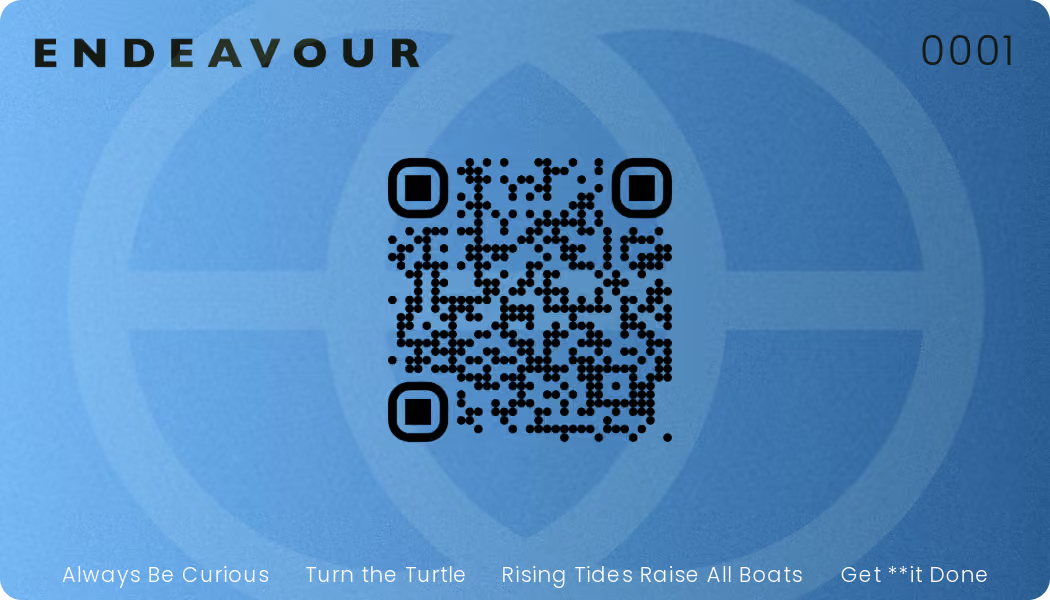

Endeavour Blue is our member benefits program, giving you access to discounts and perks at local businesses — just for being part of the Endeavour community. This section covers what the program is and how to get started.
What is Endeavour Blue?
▼Endeavour Blue gives you access to a hand-picked network of local restaurants and retailers offering exclusive member discounts.
How do I get my card?
▼Your advisor will provide your card. There's no separate sign-up process and no fee to join — your card is active as soon as you receive it.
Your Endeavour Blue card is your key to the program. Every card has a unique QR code that opens your personalized partner list — no app to download and no account to log into. This section covers how it works day to day.
How does the QR code work?
▼Scan the QR code on your card with your phone's camera. It opens a mobile-friendly page listing every current Endeavour Blue partner, along with the discount each one offers and whether it's redeemed in-store or online.
Can I use Endeavour Blue without the physical card?
▼Yes. Once you've scanned your QR code the first time, bookmark the partner list page on your phone for quick access. Some partners may still ask to see the physical card at checkout, so it's worth keeping it with you as well.
What if my code won't scan, or I've lost my card?
▼If your code won't scan, try increasing your screen brightness or cleaning the card surface — a worn or scratched code is the most common cause. If your card is lost, damaged, or still won't scan, contact our office and we'll issue a replacement.
Endeavour Blue partners span a range of local businesses, each offering their own discount and redemption method. Browse the categories below to see the kind of benefits available.
Are partners only in my city?
▼Endeavour Blue is focused on local businesses, so you're supporting the community while you save. A small number of partners may also offer online-only discounts that aren't location-specific — these are marked clearly on your partner list.
How often are new partners added?
▼We add new partners regularly. Because your partner list is accessed through your QR code rather than a printed card, it always reflects the current lineup — no need to check back on a separate app or website.
How you redeem a benefit depends on the partner — some are used in-store, some online, and a few offer both. Select a method below to see how it works.
What's the difference between in-store and online redemption?
▼In-Store
Show your card or code at checkout
Online
Use a code at checkout on the partner's site
Either Way
Partner accepts both methods
Can I combine Endeavour Blue with other promotions?
▼This depends on each partner's own policy. Some allow Endeavour Blue to be combined with sales or loyalty programs, while others treat it as a standalone discount. Check the notes on your partner list, or ask at the time of purchase.
A quick reference for what's included in your Endeavour Blue membership, and where to go if you need help.
What's included in my membership, at a glance?
▼| Feature | Included | Notes |
|---|---|---|
| Membership fee | Free | No cost to you |
| Local partner discounts | Yes | Full list accessed via your QR code |
| Card replacement | Yes | Free if lost or damaged |
| Expiry | N/A | Active as long as you're an Endeavour client |
How do I update my information or replace a lost card?
▼Let our team know at (204) 515-3450 and it will be taken care of.
Who do I contact about a specific partner discount?
▼If a discount isn't being honoured or a partner's information looks out of date, reach out to our office with the partner's name and what happened. We work directly with our partners to keep the program running smoothly.